Milestone #1 - Requirements & Mockups
textpost · published
Attachments
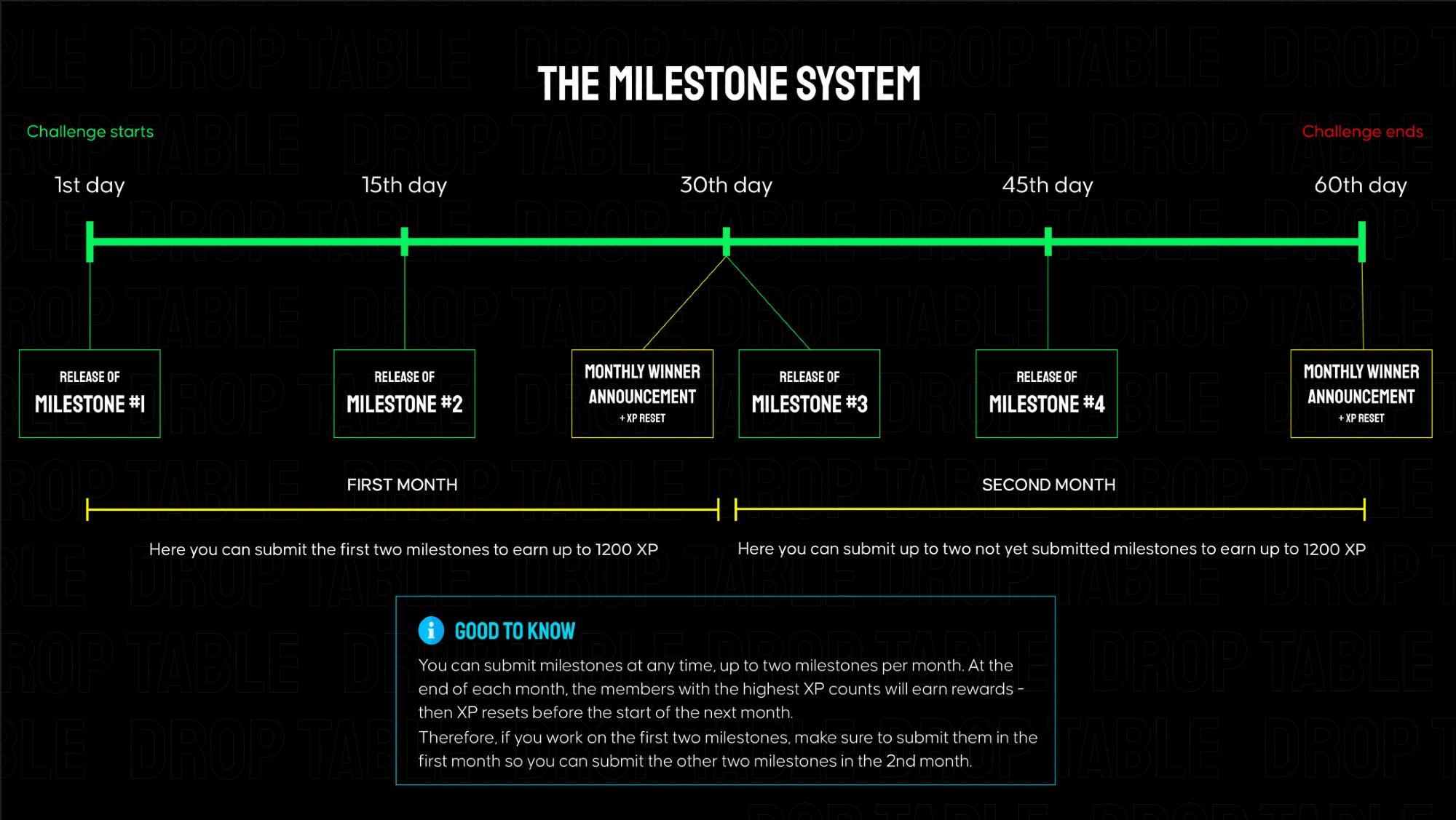
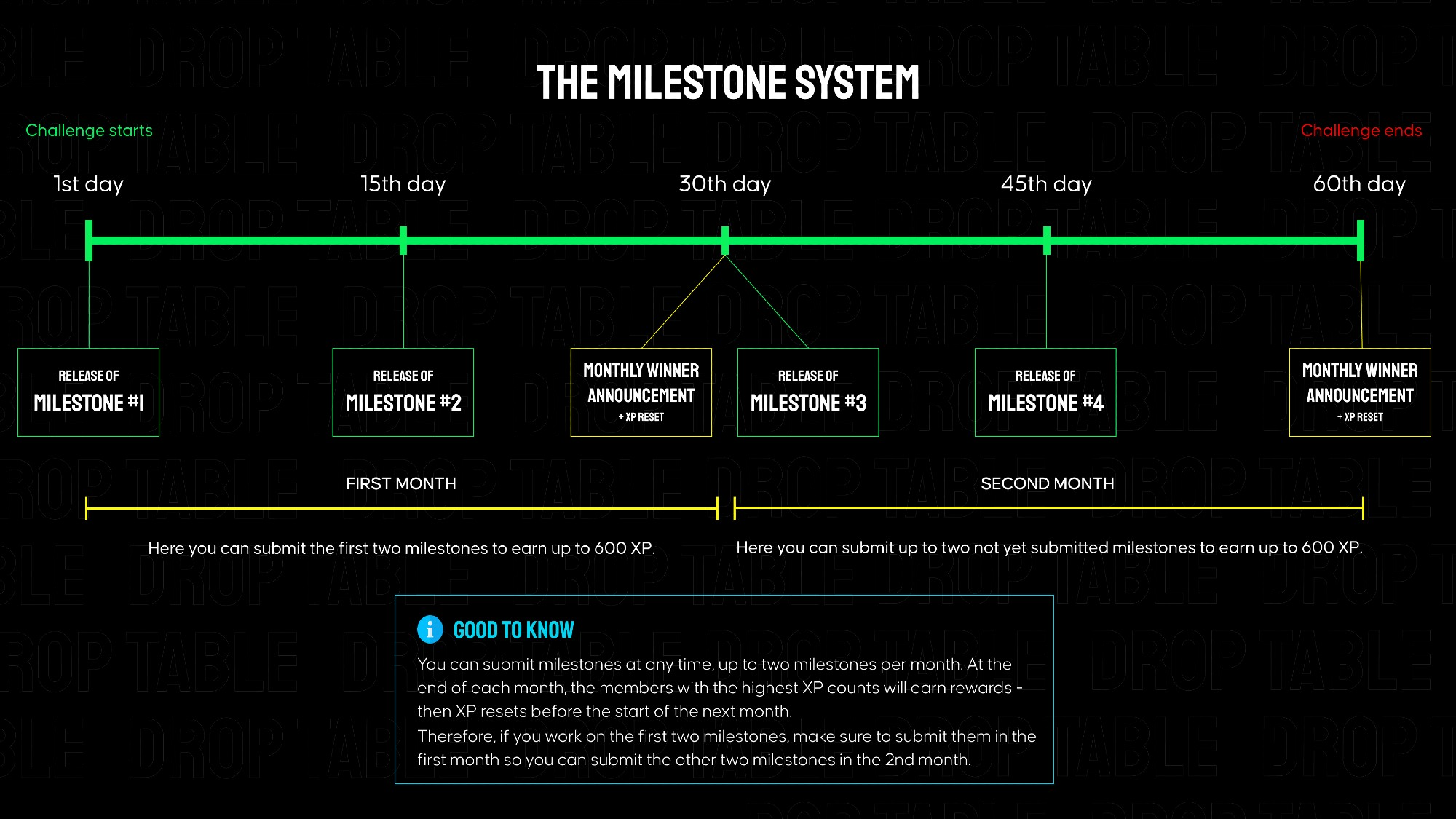
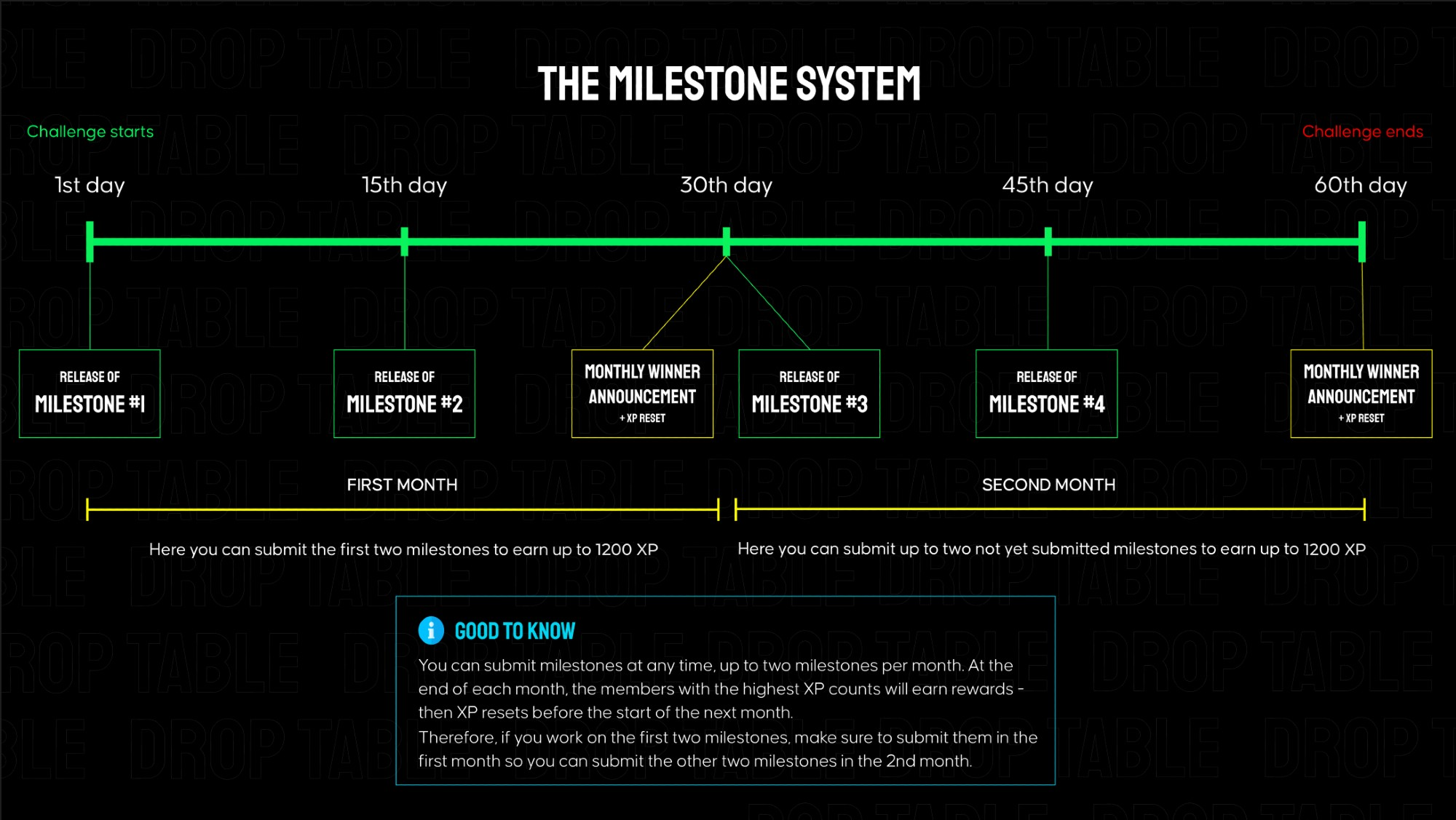
QR Craft is separated into 4 milestones that build on each other, each granting 600 XP when submitted on Discord. Every ~2 weeks a new milestone is released here in the members area. The total challenge goes over 2 months.
👉 In the attachments on the right, you can find links to the mockups and requirements for milestone #1.
Submission for Milestone #1:
A valid submission consists of a screen recording showcasing your app's functionality (must match the instructions below) as well as a link to your public GitHub repository.
Instructions for the milestone #1 video for QR Craft - no longer than 90s:
Open the app and show the Splash Screen with the centered QR Craft logo.
Grant Camera Permission using the in-app dialog and show the green snackbar confirmation.
Point the camera at a QR code containing a long text.
Show the Loading state and transition to the Scan Result screen.
On the Scan Result screen, demonstrate:
How the long text is truncated.
How the "Show more" and "Show less" buttons expand and collapse the text.
Tap the Share button and show that the system share sheet opens.
Tap the Copy button, switch to any other app (e.g. Notes or Messenger), and paste the copied text to confirm it worked.
Repeat steps 3–4 for:
A Link QR code — and tap the link to verify it opens in the browser.
A Geolocation QR code — to demonstrate correct type detection and rendering.
On the Scan Result screen, rotate the device or use a wider layout to demonstrate the adaptive layout.
🧩 You can find all the required QR codes in the attached files.
💡 Tip for testing in emulator: If you're recording the video from an Android Emulator, you can simulate camera input by uploading a file. Go to Emulator → More → Camera → Add photo and select an image of a QR code to emulate scanning behavior.
Make sure all behavior and visuals match the official mockups.