Milestone #1 - Requirements & Mockups
textpost · published
Attachments
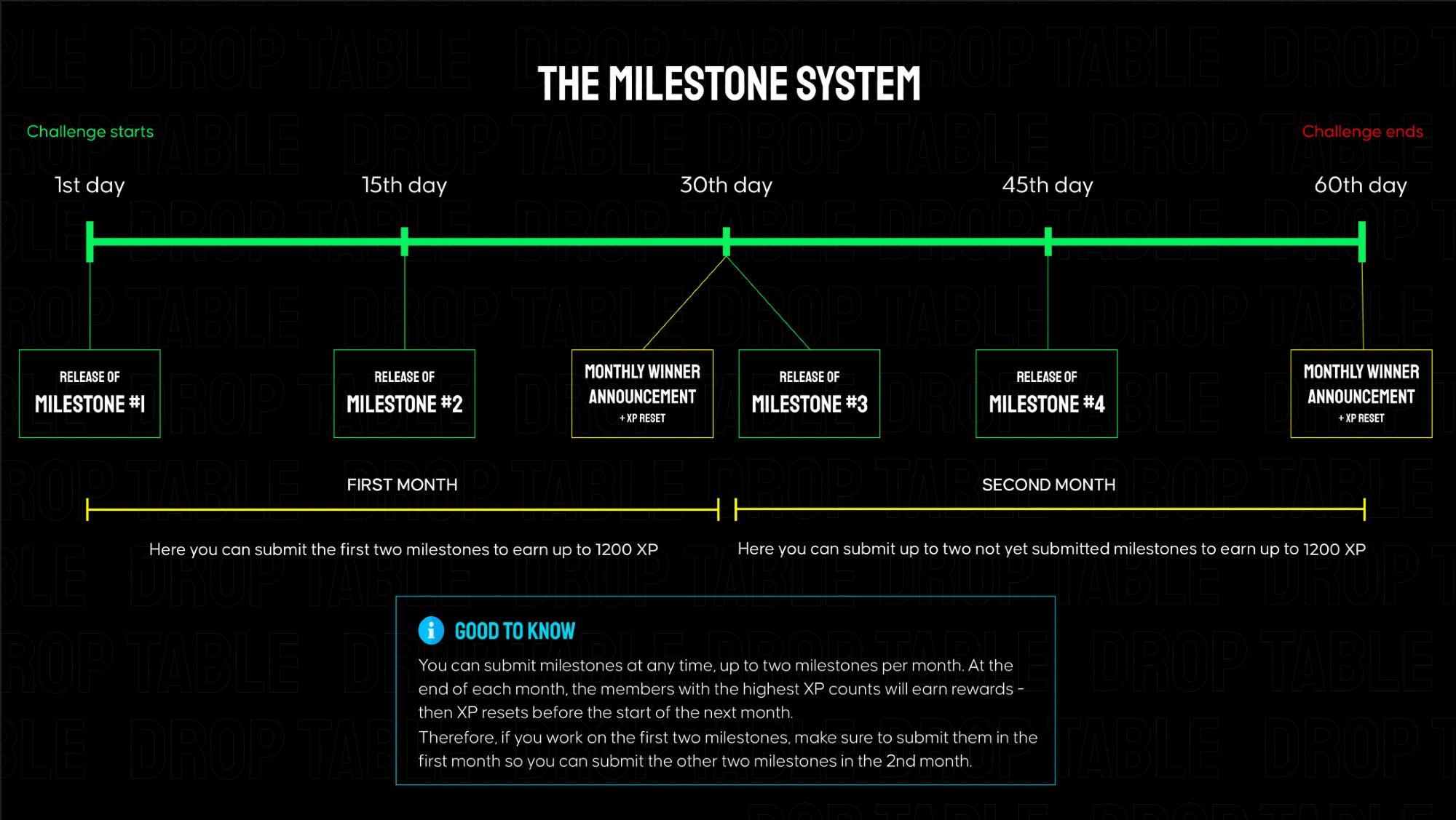
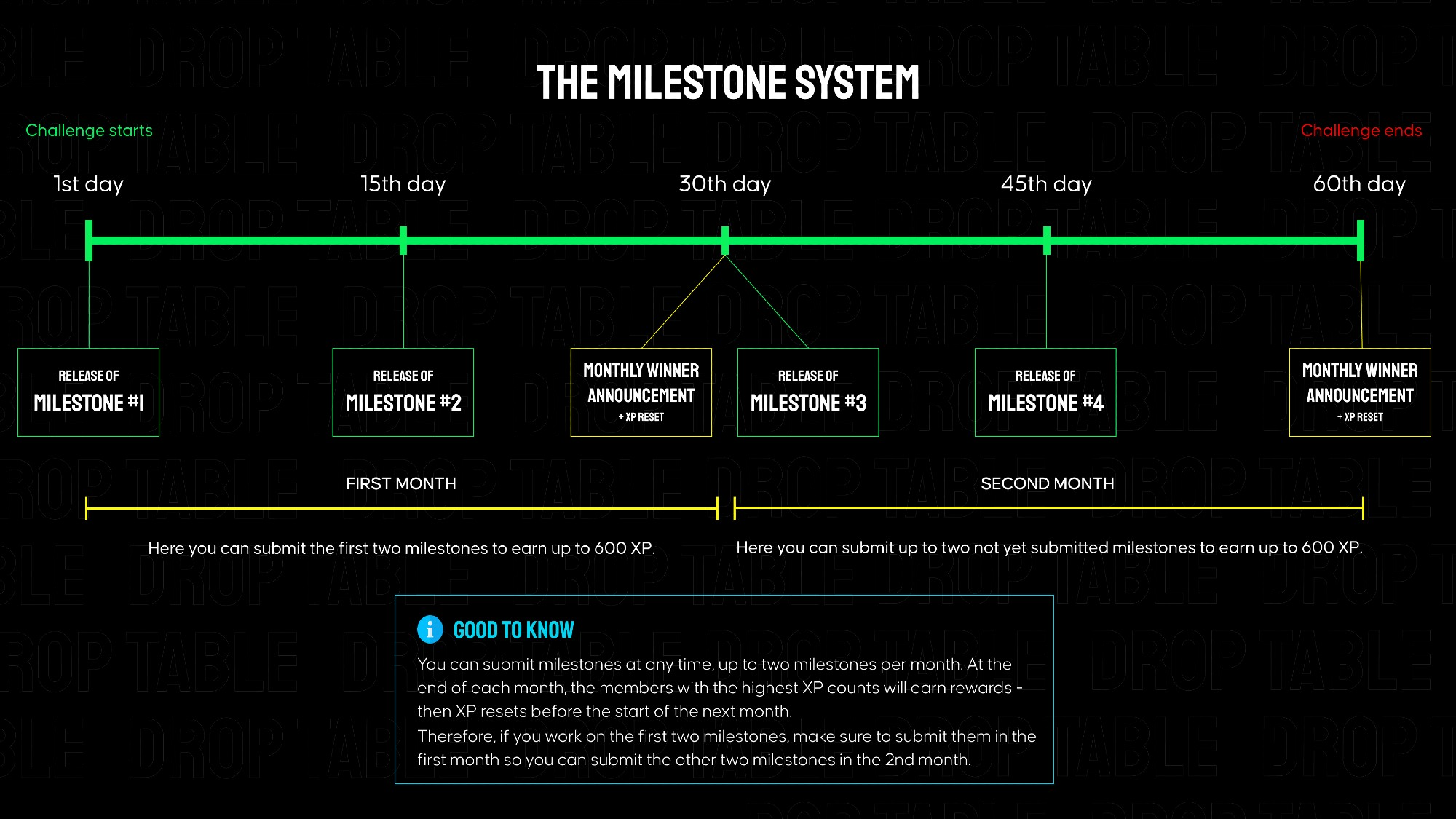
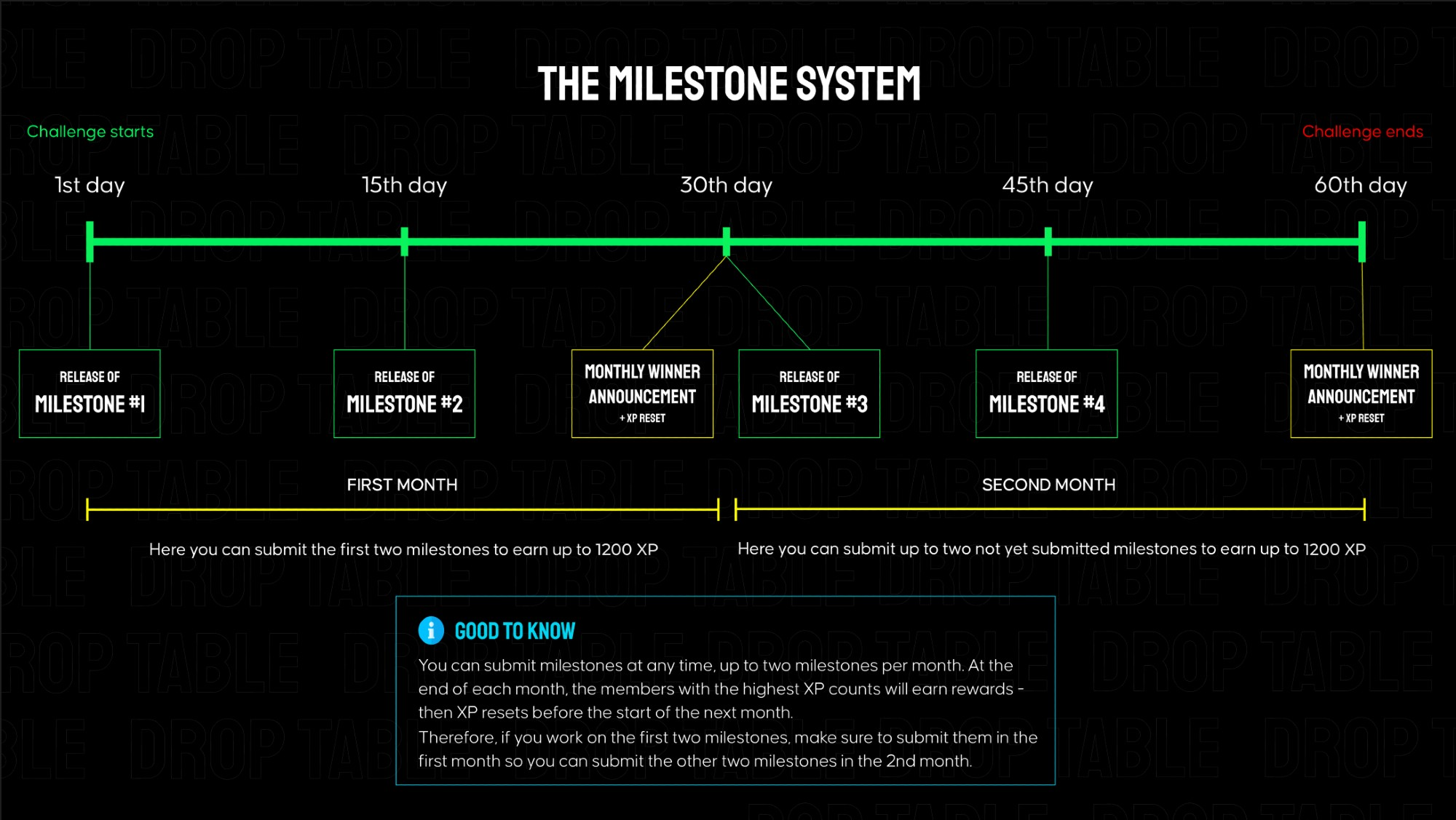
Vibe Player is separated into 4 milestones that build on each other, each granting 600 XP when submitted on Discord. Every ~2 weeks a new milestone is released here in the members area. The total challenge goes over 2 months.
👉 In the attachments, you can find links to the mockups and requirements for milestone #1.
Submission for Milestone #1:
A valid submission consists of a screen recording showcasing your app's functionality (must match the instructions below) as well as a link to your public GitHub repository.
Instructions for the milestone #1 video for Vibe Player - no longer than 90s:
Open the app → show the Splash Screen.
The Permission Screen appears — tap Allow Access to grant permission.
The app opens the Main Screen → the Scanning State animation is visible.
Wait until the scan finishes → show the Track List State.
Scroll through the list → the scroll-to-top FAB appears.
Tap the FAB → list scrolls back to the top.
Open the Scan Music Screen using the scan icon.
Select “Ignore duration < 30 s” and “Ignore size < 100 KB.”
Press Scan → show radar rotation and progress indicator.
After scan completes, observe SnackBar message and return to the Main Screen.
Tap any song → open the Now Playing Screen.
Verify album art, title, and artist are displayed.
Press Play, then Next and Previous to test controls.
Tap the Back arrow → verify playback stops and return to the Main Screen.
Make sure all behavior and visuals match the official mockups.
📂 In the attached files you will find images of all products that should be used in this challenge.