Milestone #1 - Requirements & Mockups
textpost · published
Attachments
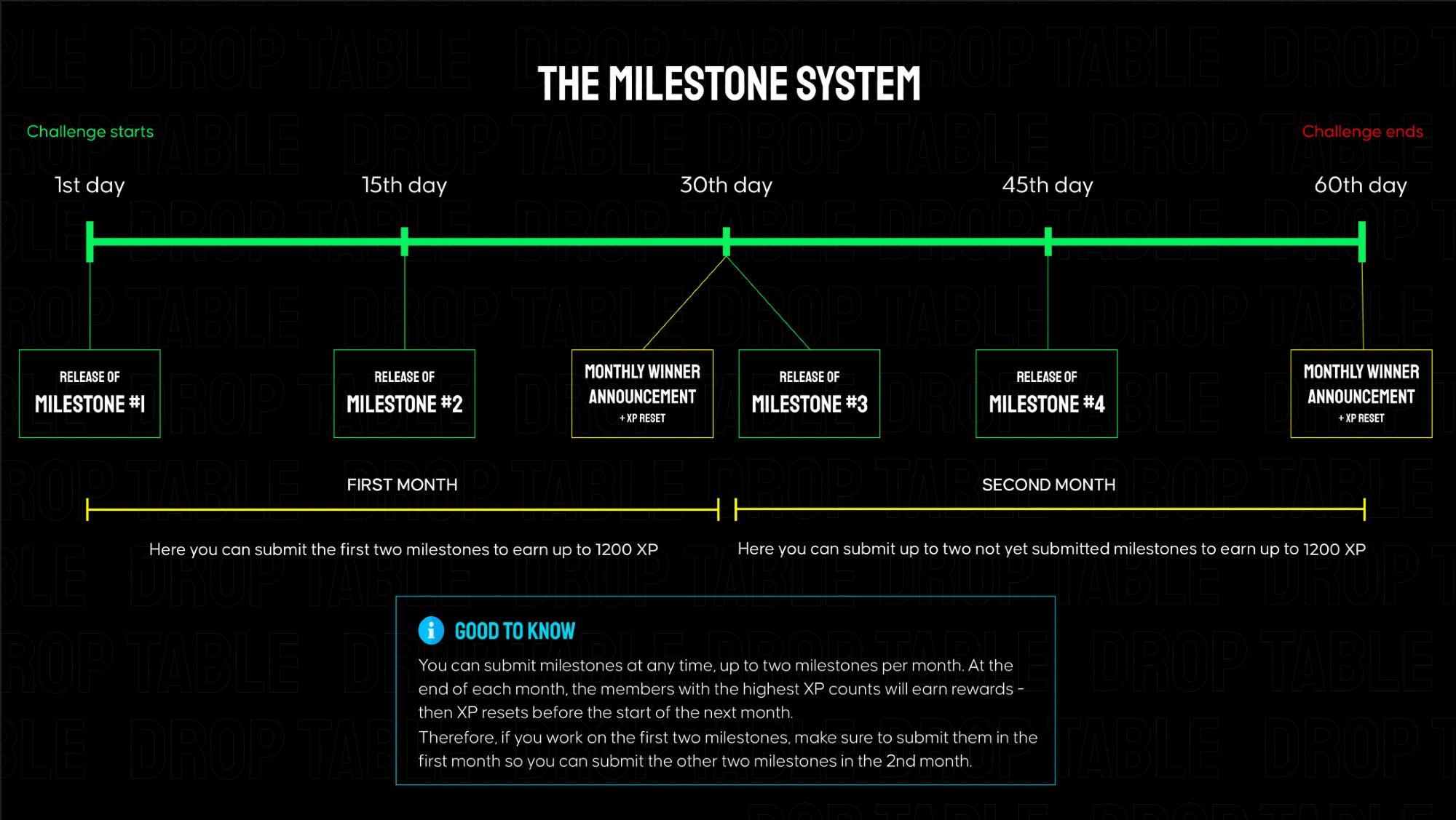
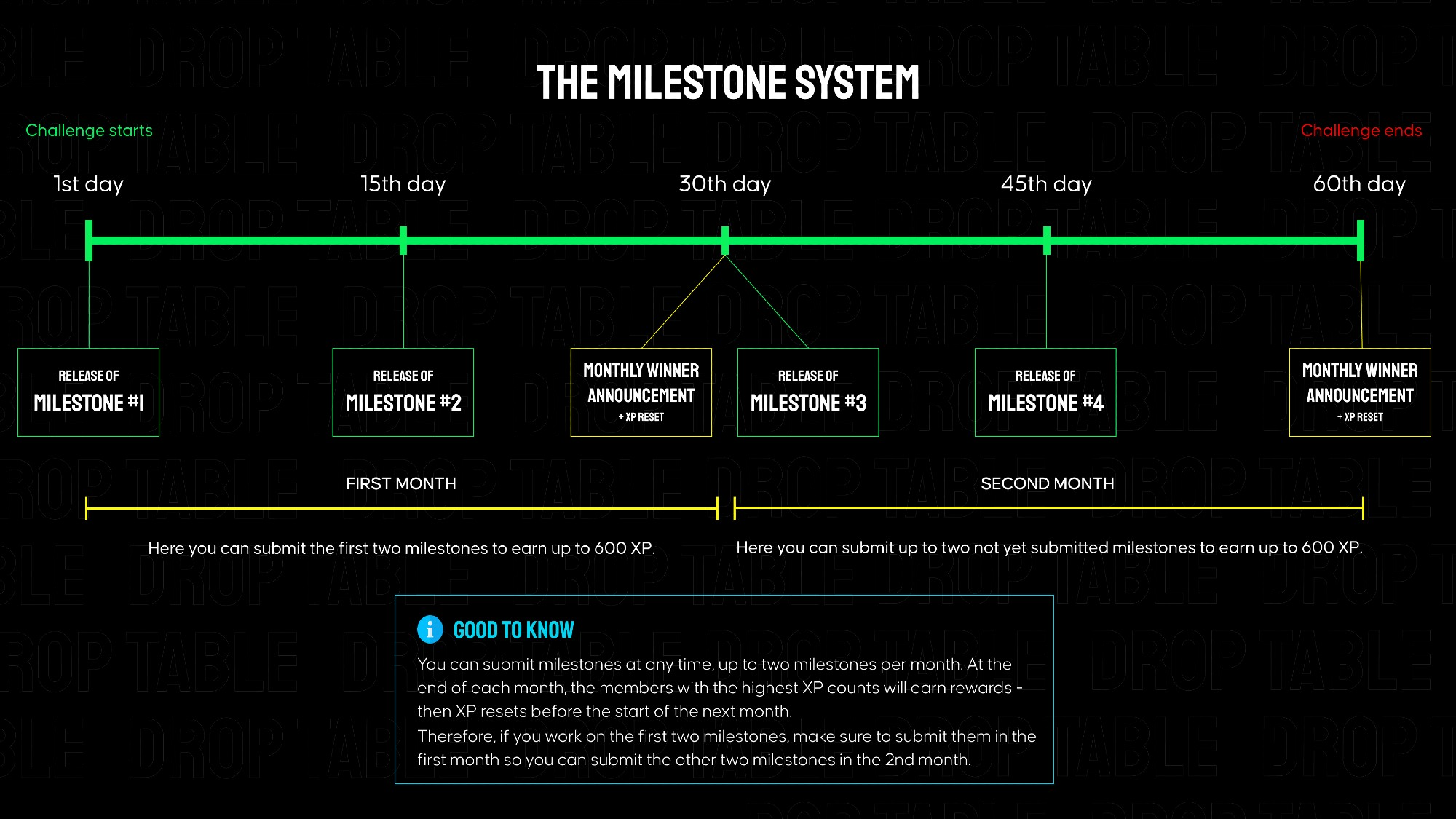
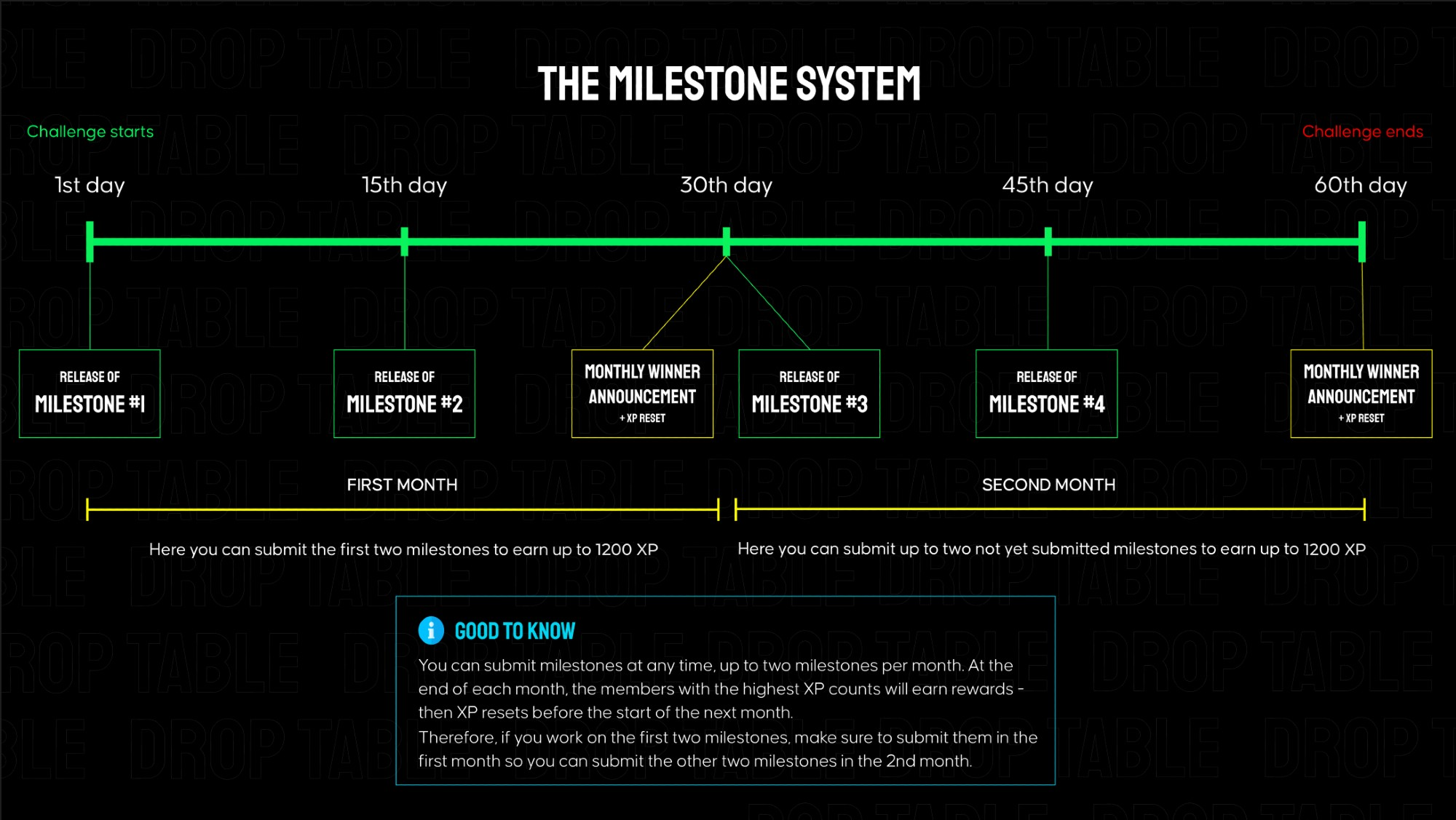
Smart Step is separated into 4 milestones that build on each other, each granting 600 XP when submitted on Discord. Every ~2 weeks a new milestone is released here in the members area. The total challenge goes over 2 months.
👉 In the attachments, you can find links to the mockups and requirements for milestone #1.
Submission for Milestone #1:
A valid submission consists of a screen recording showcasing your app's functionality (must match the instructions below) as well as a link to your public GitHub repository.
Instructions for the milestone #1 video for Smart Step - no longer than 90s:
Launch the app → Splash Screen is shown.
On the My Profile screen, change profile values and switch Height from cm to ft/in.
Tap Start → navigate to the Main Screen.
System Physical Activity permission appears → tap Deny.
Bottom Sheet 1 appears → tap Allow access.
Physical Activity permission appears again → tap Deny.
Bottom Sheet 2 (Manual permission) appears → tap Open settings.
In system settings, enable Physical Activity permission and return to the app.
Bottom Sheet 3 (Background access) appears → tap Continue and grant permission.
Open Navigation Drawer → go to Step Goal, change the value and save it.
In Navigation Drawer, open Personal Settings, change Height and switch units from ft/in back to cm.
On the Main Screen, show a visible change in the step count (see options below).
Open Navigation Drawer → select Exit and confirm app exit.
Attach two screenshots showing the Main Screen and the My Profile screen in a wide-screen layout.
Make sure all behavior and visuals match the official mockups.
How to Show Step Count Changes
Show step count changes in any way where the numeric value clearly updates on screen.
Allowed options:
Physical device
Walk a few steps or gently move the phone until the step count increases.Android Emulator
Open Extended controls (⋯).
Go to Virtual Sensors → Device Pulse.
Select Move and change values on the X / Y axes.
Return to the app → the step count should update.
The video must clearly show the step count number changing.