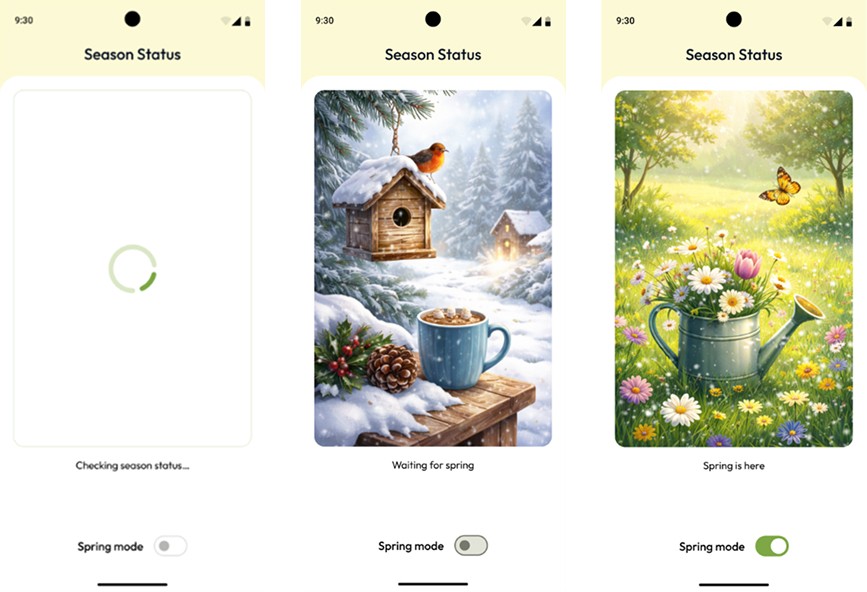
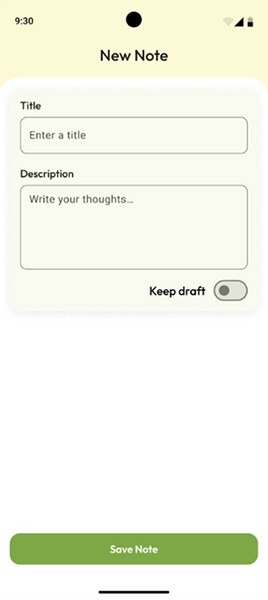
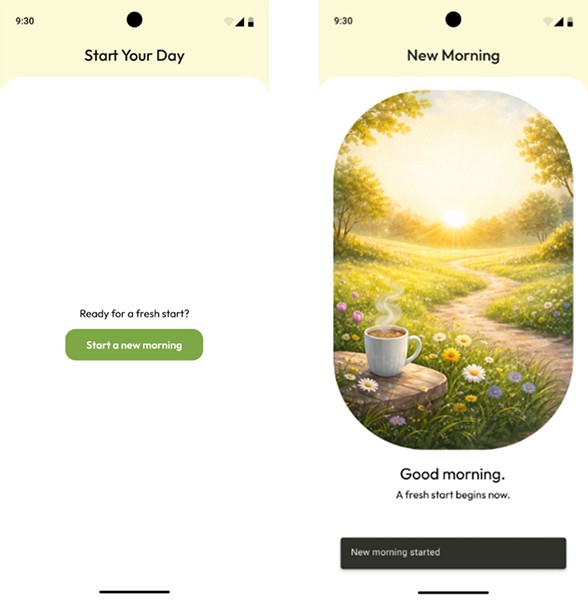
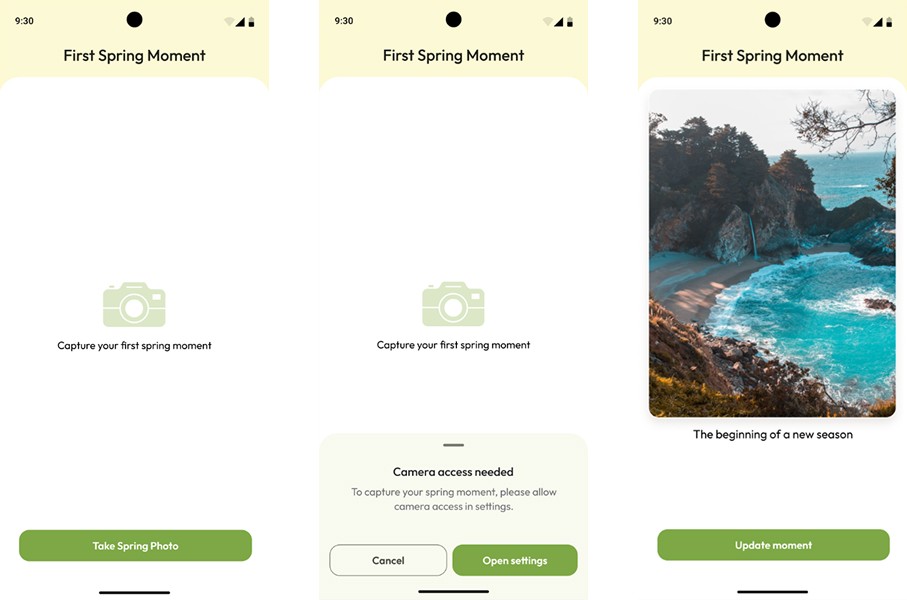
[Easy] [Unit Testing · ViewModel · Validation] - New Chapter Check-in
textpost · published
Attachments
🎭 Scenario
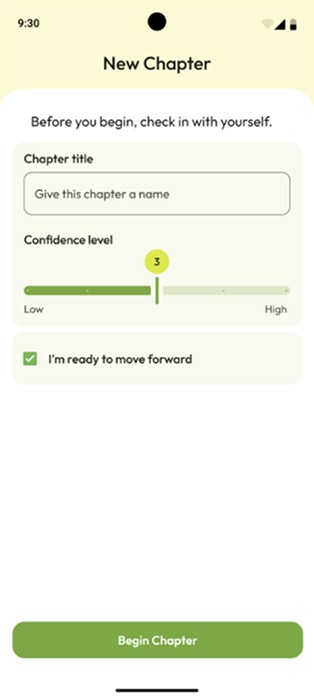
Sometimes, before starting a new phase - in learning, work, or life in general - it’s helpful to pause for a moment and honestly ask yourself: am I really ready to move forward? This screen represents a short check-in before beginning a new chapter: giving it a name, sensing your level of confidence, and consciously confirming your intention. Only after that does the app allow the next step to begin.
You can find the technical requirements and the GitHub repository link in the attachments section ☝️
🔗 Useful Links for This Challenge
🤔 What's Allowed?
Standard Android / Jetpack libraries.
Writing unit tests for ViewModel.
⚠️ What's not important
UI implementation details or Compose-related behavior.
Navigation or screen interaction logic.
Refactoring the existing ViewModel structure.
Adding extra validation rules beyond those specified.
Writing additional tests that are not explicitly required.
🏆 Submission & Rewards
A successful submission of this challenge via the
/submit-challengecommand on Discord grants you 100 XP. You can use it in any channel on Discord :)A successful submission consists of these parts
A link to a Gist with your implementation
A screenshot of the test run results showing
which tests passed,
which tests failed,
and the names of the executed tests.
Note:
Some tests in this challenge are expected to fail due to intentionally incorrect behavior in the app implementation. Your goal is to write correct tests, not to make all tests pass.
📩 How to Submit a Mini-Challenge
In any Discord channel, type /submit-challenge.
Attach your screen recording demonstrating the implementation according to the challenge requirements.
Supported formats: MP4, MOV, AVI, MKV, WEBM, PNG, JPEG, JPG, GIF.
The total file size must not exceed 50 MB.
If additional materials are required (e.g. screenshots), attach up to 4 additional image files in the command pop-up before submitting.
Press Enter to send the files.
In the bot flow, select Mini-Challenge.
Choose the month this mini-challenge belongs to (each month includes five mini-challenges).
Select the exact challenge name you are submitting.
Submit challenge.