Natour
← Back to chapters

December 2025 - Winter Wonder Series

[Forms · Snackbar · State Management · UI] - Holiday Gift Order

textpost · published

Attachments

🎭 Scenario

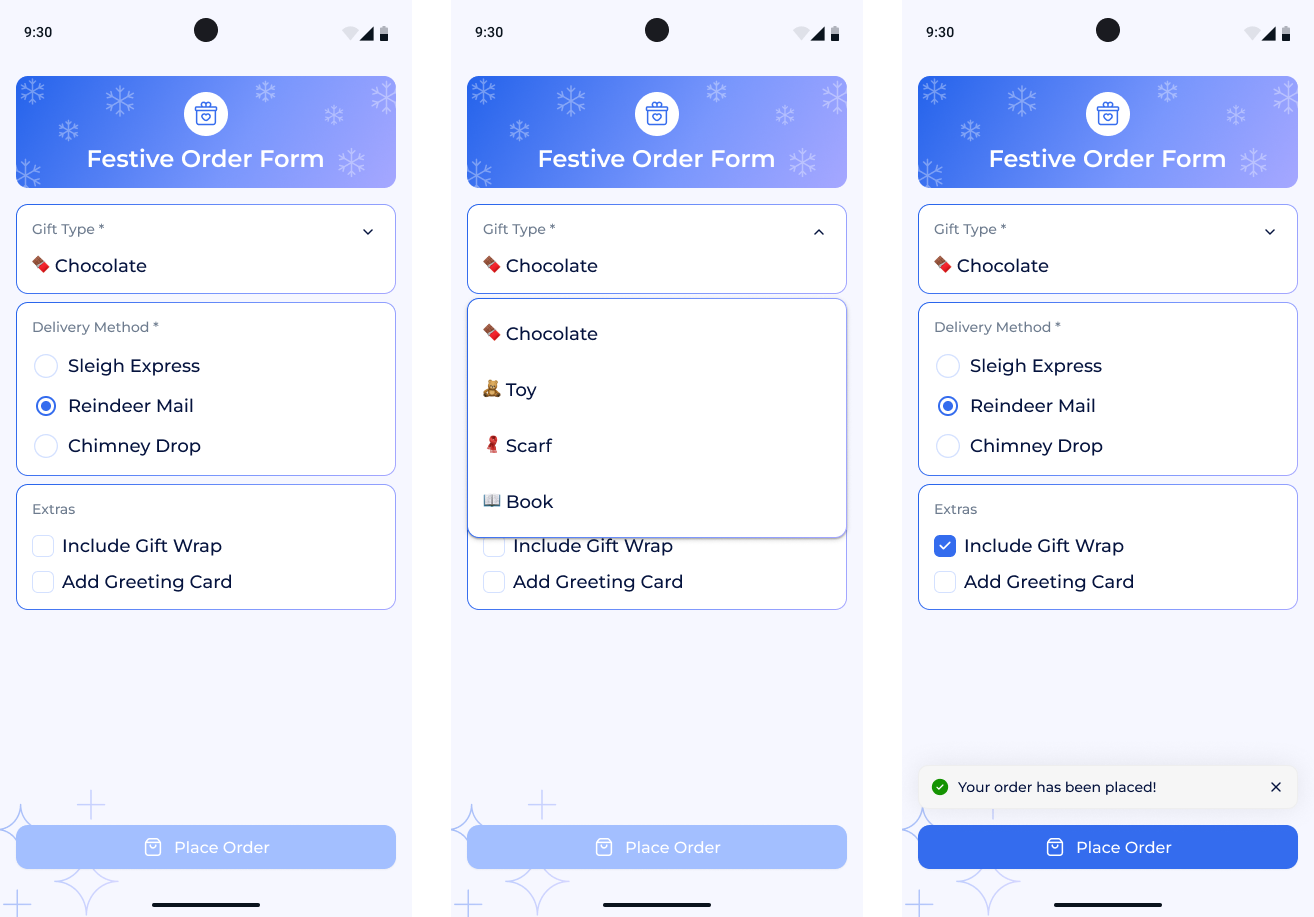
This mini app simulates a festive order form. The user selects a gift type, a delivery method, and optional extras such as wrapping or a greeting card. When the “Place Order” button is pressed, a Snackbar appears with the message: “Your order has been placed!”

You can find the technical requirements and mockups in the attachments section ☝️

🔤 Fonts - Montserrat

🔗 Useful Links for This Challenge

🤔 What's Allowed?

  • Standard Android / Jetpack libraries.

  • Use Material 3 components or simple custom UI elements.

  • No 3rd party libraries are allowed or would be required to complete this challenge

⚠️ What's not important

  • Responsiveness across every device size or orientation is not mandatory.

  • Data persistence after closing the app.

  • Light/Dark mode support.


🏆 Submission & Rewards

  • A successful submission of this challenge via the /submit-challenge command on Discord grants you 100 XP. You can use it in any channel on Discord :)

  • A successful submission consists of these parts

    1. A link to a Gist with your implementation

    2. A screen recording (max 20 seconds) showing:

      • The initial empty form.

      • Selecting Gift Type and Delivery Method.

      • “Place Order” button becoming active.

      • Snackbar with message “Your order has been placed!”.
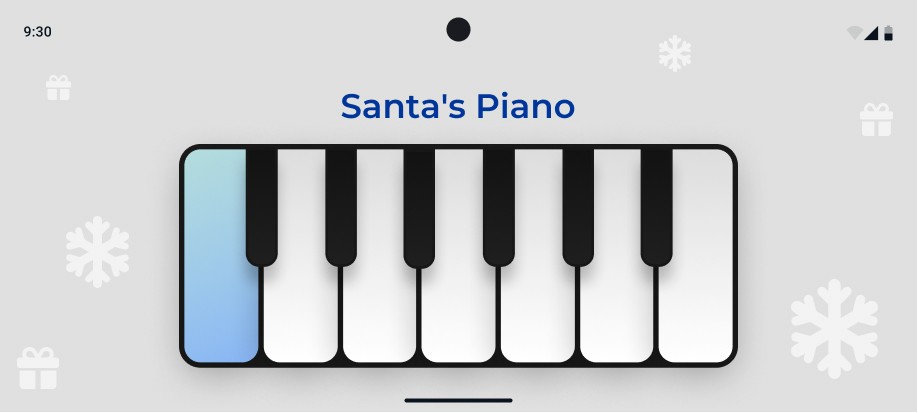
[Animation · Sound Handling · Horizontal Layout · UI] - Santa Clap Piano

textpost · published

Attachments

🎭 Scenario

A festive mini-app where users can tap piano keys that play short cheerful sounds — bells, notes, or jingles.

You can find the technical requirements and mockups in the attachments section ☝️


🔤 Fonts - Montserrat

🔗 Useful Links for This Challenge

🤔 What's Allowed?

  • Standard Android / Jetpack libraries.

  • Use Material 3 components or simple custom UI elements.

  • No 3rd party libraries are allowed or would be required to complete this challenge

⚠️ What's not important

  • Responsiveness across every device size or orientation is not mandatory.

  • Visual effects such as shadows or depth.

  • Light/Dark mode support.


🏆 Submission & Rewards

  • A successful submission of this challenge via the /submit-challenge command on Discord grants you 100 XP. You can use it in any channel on Discord :)

  • A successful submission consists of these parts

    1. A link to a Gist showing your code for this challenge.

    2. A screen recording (max 20 seconds) showing:

      • Initial screen in landscape orientation.

      • Pressing several keys.

      • Smooth color change animation.

      • Corresponding sound playback.

[Sensors · Animation · State Management · UI] - Snow Globe Shake

textpost · published

Attachments

🎭 Scenario

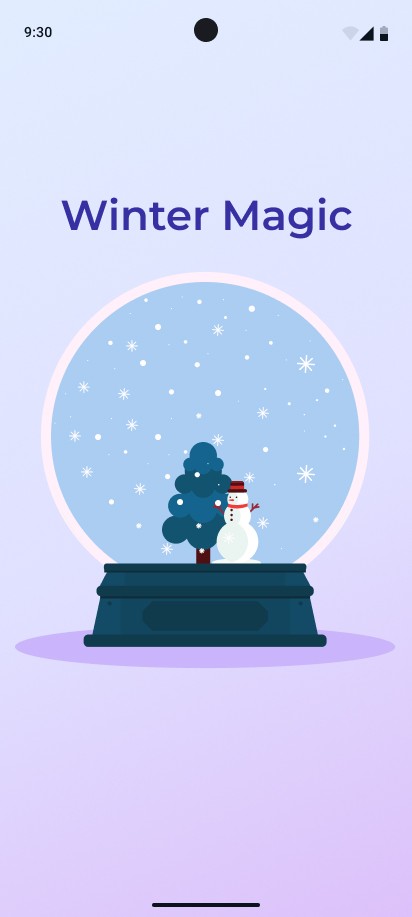
A festive mini-app where shaking the phone activates a snow globe animation.

You can find the technical requirements and mockups in the attachments section ☝️


🔤 Fonts - Montserrat

🔗  Useful Links for This Challenge

🤔 What's Allowed?

  • Standard Android / Jetpack libraries.

  • Use Material 3 components or simple custom UI elements.

  • No 3rd party libraries are allowed or would be required to complete this challenge

⚠️ What's not important

  • Responsiveness across every device size or orientation is not mandatory.

  • Realistic physics or turbulence of snowflakes.

  • Interaction with objects inside the globe.

  • Light/Dark mode support.


🏆 Submission & Rewards

  • A successful submission of this challenge via the /submit-challenge command on Discord grants you 100 XP. You can use it in any channel on Discord :)

  • A successful submission consists of these parts

    1. A link to a Gist showing your code for this challenge.

    2. A screen recording (max 20 seconds) showing:

      • The idle state (no snow).

      • Device shaking triggering snowfall.

      • Snowflakes falling vertically inside the globe.

      • The globe returning to the calm state.

[Input Formatting · Validation Logic · State Management · UI] - Holiday Cashback Activation

textpost · published

Attachments

🎭 Scenario

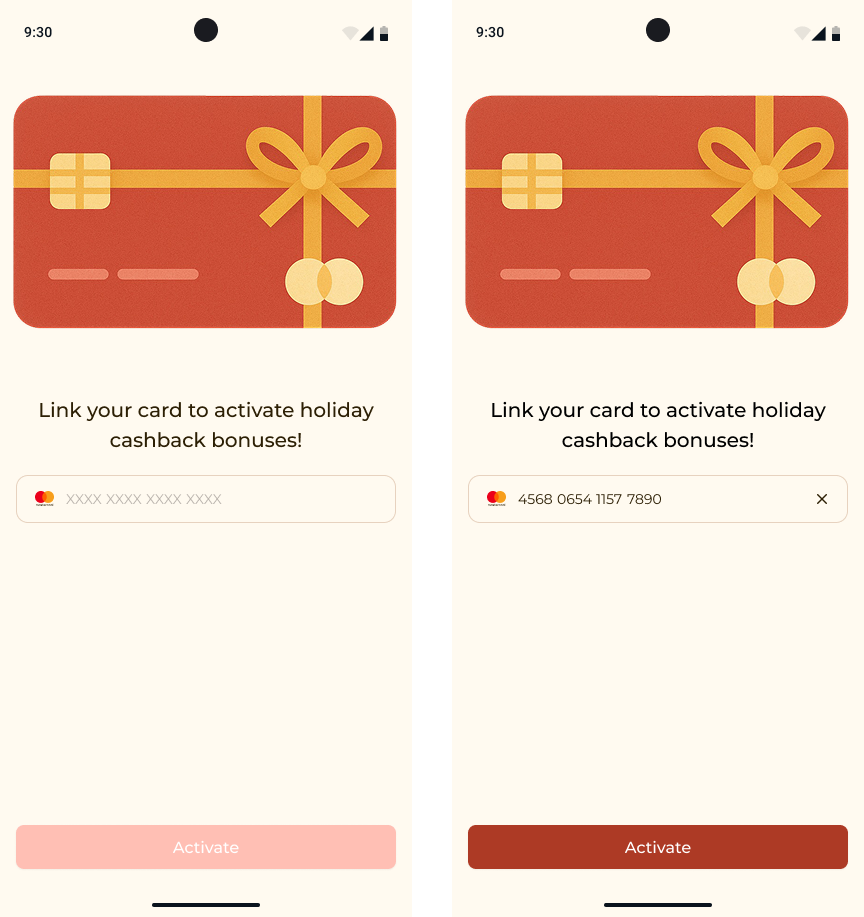
The user enters their bank card number to activate a special holiday cashback bonus.

You can find the technical requirements and mockups in the attachments section ☝️


🔤 Fonts - Montserrat

🔗 Useful Links for This Challenge

🤔 What's Allowed?

  • Standard Android / Jetpack libraries.

  • Use Material 3 components or simple custom UI elements.

  • No 3rd party libraries are allowed or would be required to complete this challenge

⚠️ What's not important

  • Responsiveness across every device size or orientation is not mandatory.

  • Actual card linking or network communication.

  • State persistence after closing the screen.

  • Light/Dark mode support.


🏆 Submission & Rewards

  • A successful submission of this challenge via the /submit-challenge command on Discord grants you 200 XP. You can use it in any channel on Discord :)

  • A successful submission consists of these parts

    1. A link to a Gist showing your code for this challenge.

    2. A screen recording (max 20 seconds) showing:

      • Initial state (empty field, disabled button).

      • Typing or pasting a random invalid number → shows red border + “Invalid card number”.

      • Entering the valid test card number 4242 4242 4242 4242 → button activates.

      • Press Activate → 2s loading → “Holiday Cashback Activated!” Snackbar → button text changes to Done.

      • Press Done → all fields reset to the initial state.

[Text Editing · Styling · State Management · UI] - Winter Greeting Editor

textpost · published

Attachments

🎭 Scenario

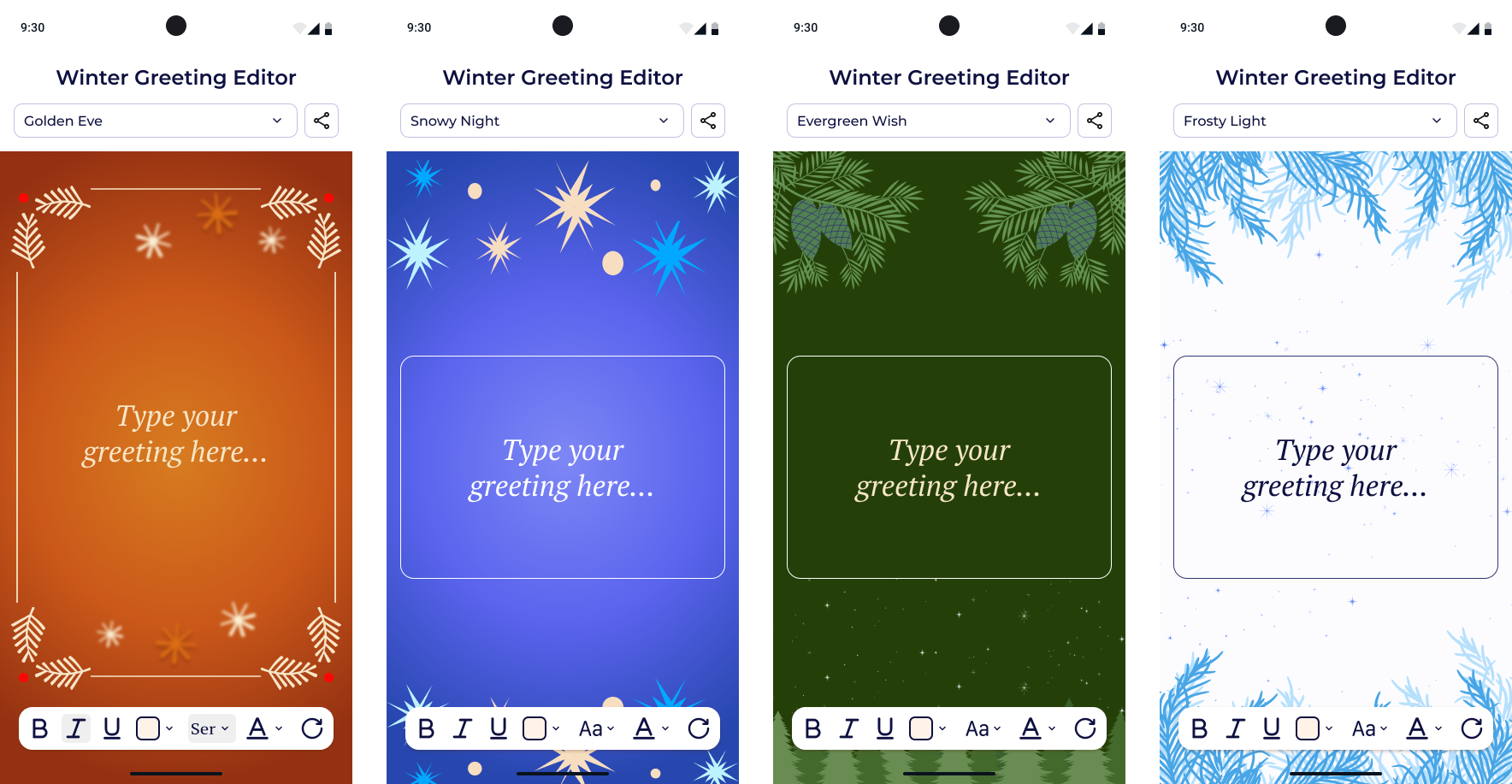
The user creates a festive greeting card by typing a message, formatting the text, and previewing all changes in real time.

You can find the technical requirements and mockups in the attachments section ☝️


🔤 Fonts - Montserrat, PT Serif

🔗 Useful Links for This Challenge

🤔 What's Allowed?

  • Standard Android / Jetpack libraries.

  • Use Material 3 components or simple custom UI elements.

  • No 3rd party libraries are allowed or would be required to complete this challenge

⚠️ What's not important

  • Responsiveness across every device size or orientation is not mandatory.

  • Implementing actual functionality for the Share button

  • Real file saving or history of edits.

  • Animated theme transitions.

  • Light/Dark mode support.


🏆 Submission & Rewards

  • A successful submission of this challenge via the /submit-challenge command on Discord grants you 300 XP. You can use it in any channel on Discord :)

  • A successful submission consists of these parts

    1. A link to a Gist showing your code for this challenge.

    2. A screen recording (max 20 seconds) showing:

      • The initial screen with Golden Eve theme and the placeholder.

      • Switch the theme from Golden Eve → Snowy Night.

      • Type two text parts:

      • Title: Let It Snow!

        • Message: May your holidays be filled with smiles.

      • Edit the title:

      • Change font size to Large.

        • Switch font to PT Serif.

        • Apply bold, italic, and underline.

        • Change the text color to Warm Beige (#F7E6C7).

      • Press Reset — the title returns to default formatting.