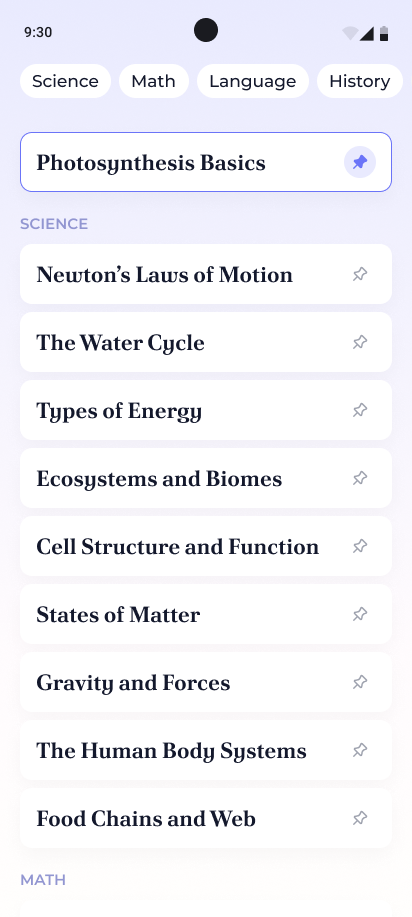
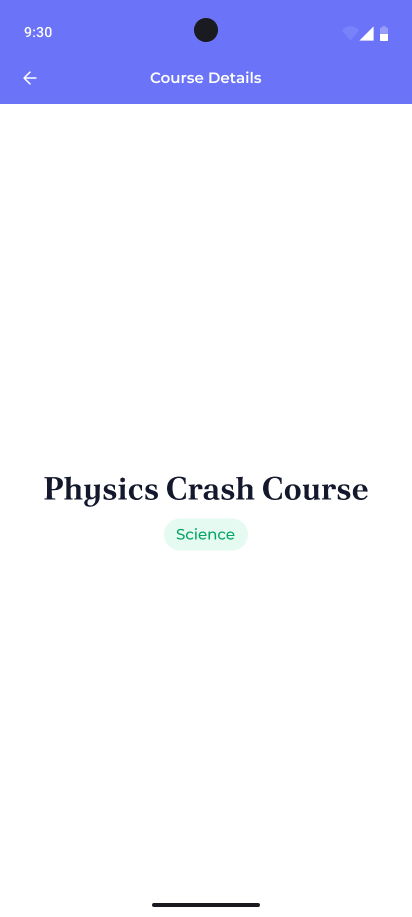
[UI · Responsive Layout] - Lesson Overview Sheet
textpost · published
Attachments
🎭 Scenario
A student opens their tablet, ready to review their lessons… only to find a stretched-out, sad-looking mobile layout crying for help. Whether it’s a phone or a tablet, the lesson list should look like it belongs. You’re here to fix that and give every device a lesson in proper UI.
🎯 Feature Goal
Design a responsive lesson overview screen that adapts its layout gracefully between phone and tablet sizes.
📌 Requirements
ℹ️You can find a downloadable PDF with the complete requirements in the Resources section👉🏼
Solid colour background (edge-to-edge)
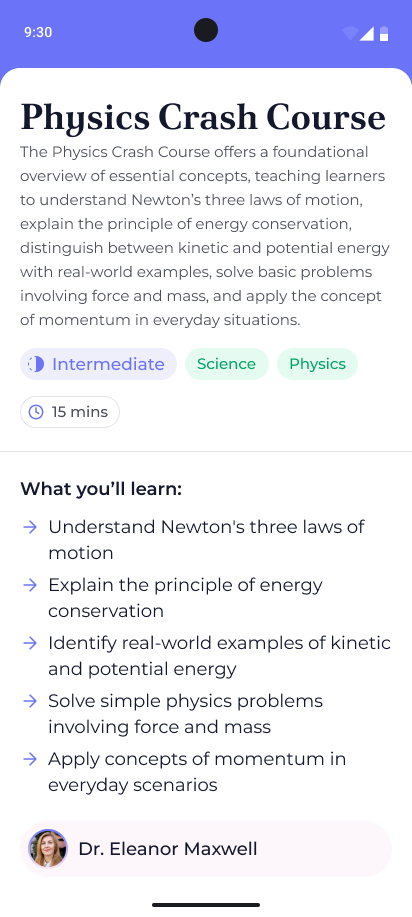
Box with rounded top corners with a white background
It contains the main content of the screen
Fills all available space
Does not render beneath the status bar
Does render underneath the navigation bar
Title text at top of screen
Left (start) aligned when device is in portrait mode
Center aligned when device is in landscape mode or tablet
Description text underneath the title
Left (start) aligned when device is in portrait mode
Center aligned when device is in landscape mode or tablet
Row of chips
Left (start) aligned when device is in portrait mode
Center aligned when device is in landscape mode or tablet
Chips Row should wrap to the next line
Class difficulty chip
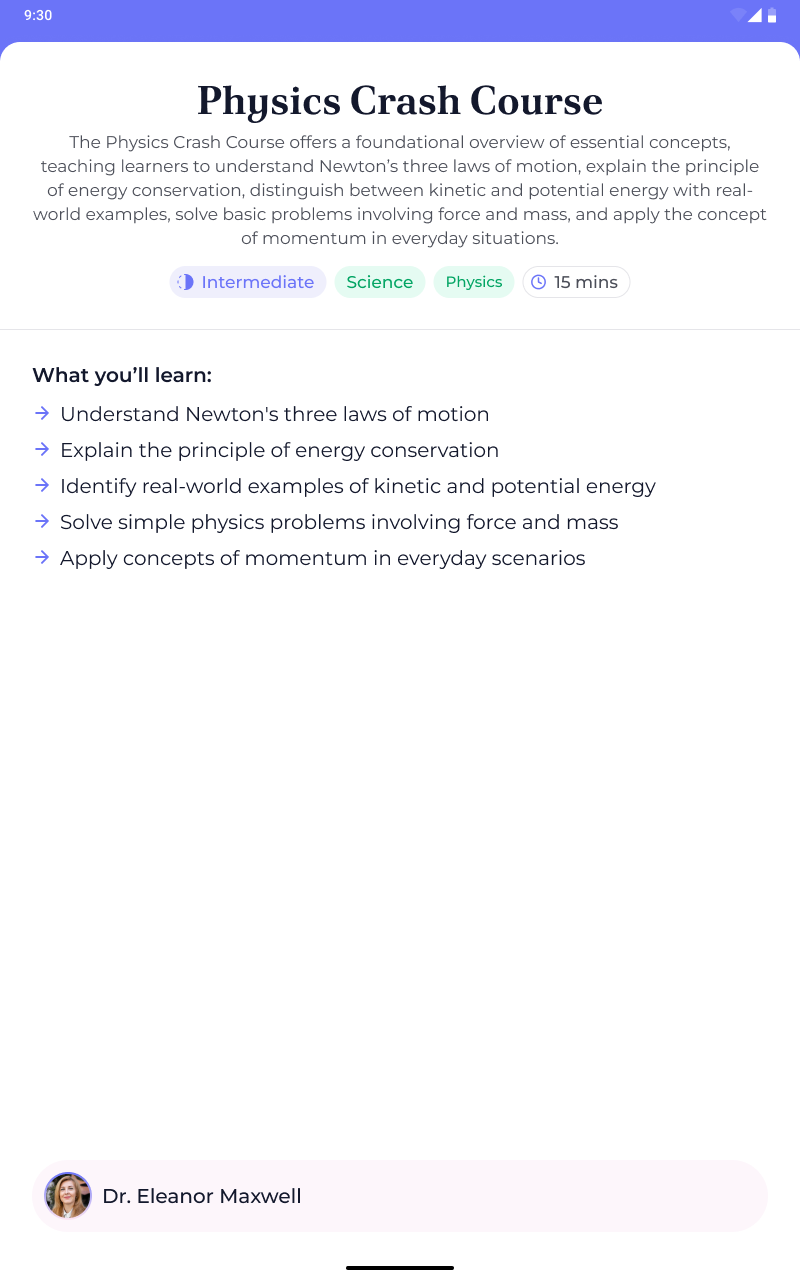
Has a colour associated with the difficulty (easy, intermediate, hard)
The intermediate one must be present in the final designs
Leading icon with text
Topic tag
Simple with text and green background
Duration chip
Leading clock icon with the time in minutes
Divider underneath the row of chips
Scrollable section
Text: “What you’ll learn:”
Bold text
Bulleted list below the heading
Each item starts with an arrow instead of a traditional bullet
Text should wrap to the next line when it reaches the edge of the screen
Footer content
Rounded rectangle component with light pink background
Leading Profile icon cropped into a circle
Name of the professor: “Dr. Eleanor Maxwell”
🤔 What's Allowed?
Standard Android/Jetpack libraries
No 3rd party libraries are allowed or would be required to complete this challenge
🧠 Disclaimer
Pure UI challenge
This challenge tests your ability to stretch your Compose skills—because great UIs should flex on both phones and tablets!
🏆 Submission & Rewards
A successful submission of this challenge via the
/submit-challengecommand on Discord grants you 100 XP. You can use it in any channel on Discord :)A successful submission consists of these parts
A link to a Gist showing your code for this challenge.
A screenshot of your final design